

VIRTUAL REALITY
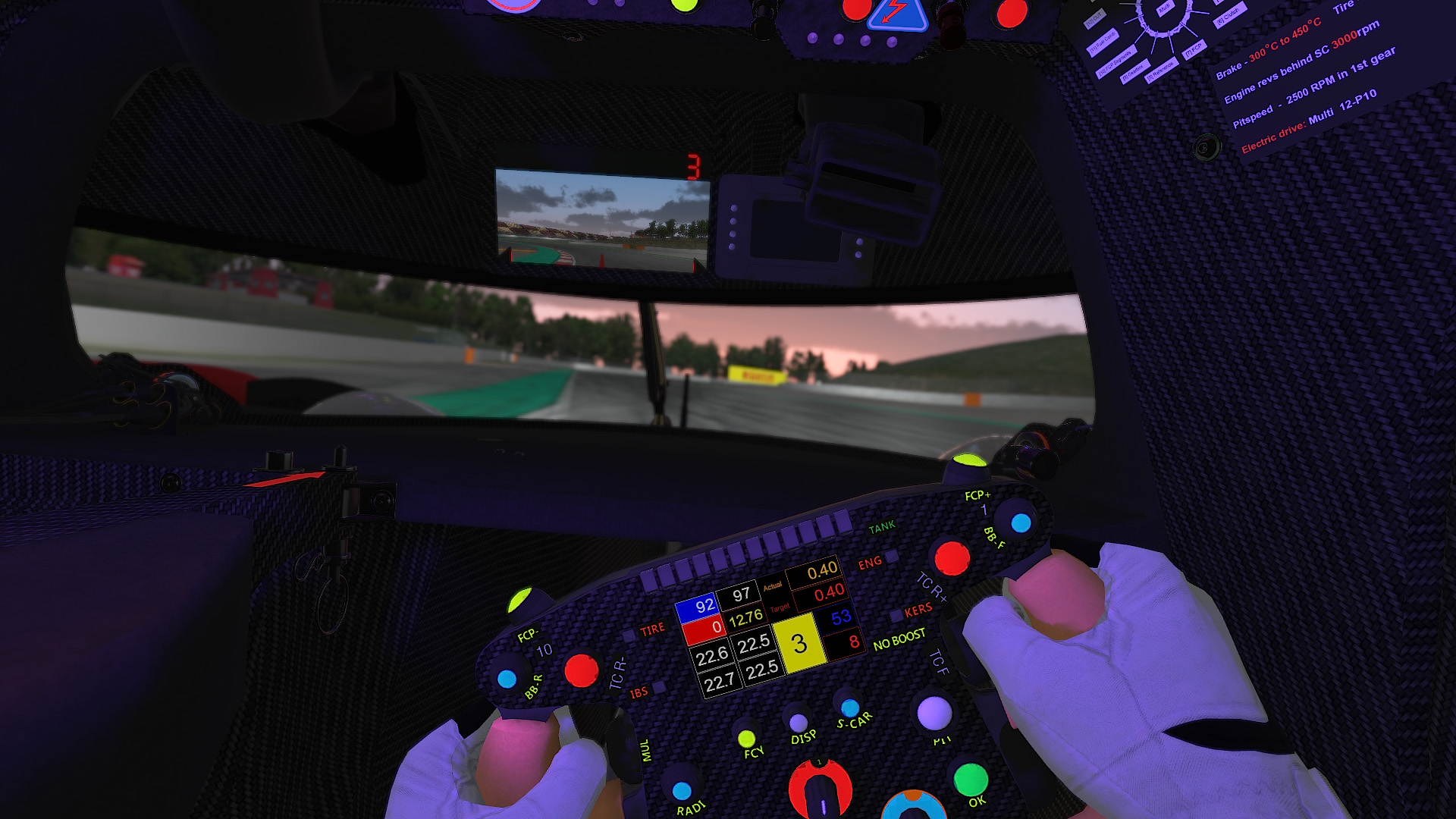
iRacing takes on a whole new look with a Virtual Reality headset!
AHEAD OF THE CURVE
iRacing was the first racing sim to support VR in 2013. Since then, iRacing has continued to push the boundaries with the latest and greatest VR technology. iRacing is compatible with the most popular VR headsets, including models from Meta and Pimax. VR headsets literally put you in the driver’s seat and provide an incredibly immersive online racing experience.

3D SOUND
Sound will adjust with your head movement, so you always know where the cars around you are in 3D space.

EYE-TRACKING
Render the highest quality exactly where your eyes are looking.

CUSTOM GRAPHICS
Use custom graphics options when you are playing in VR.
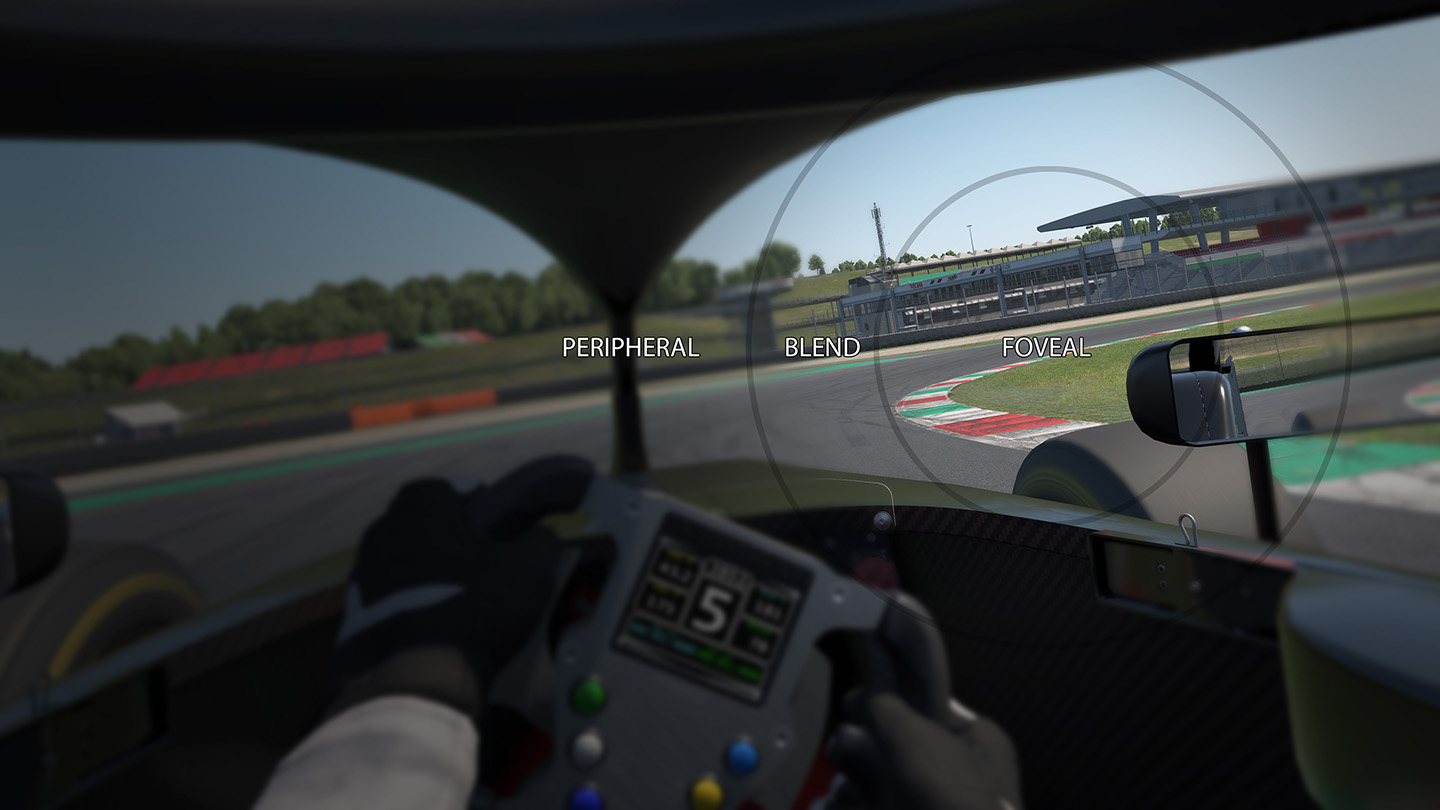
Foveated Rendering
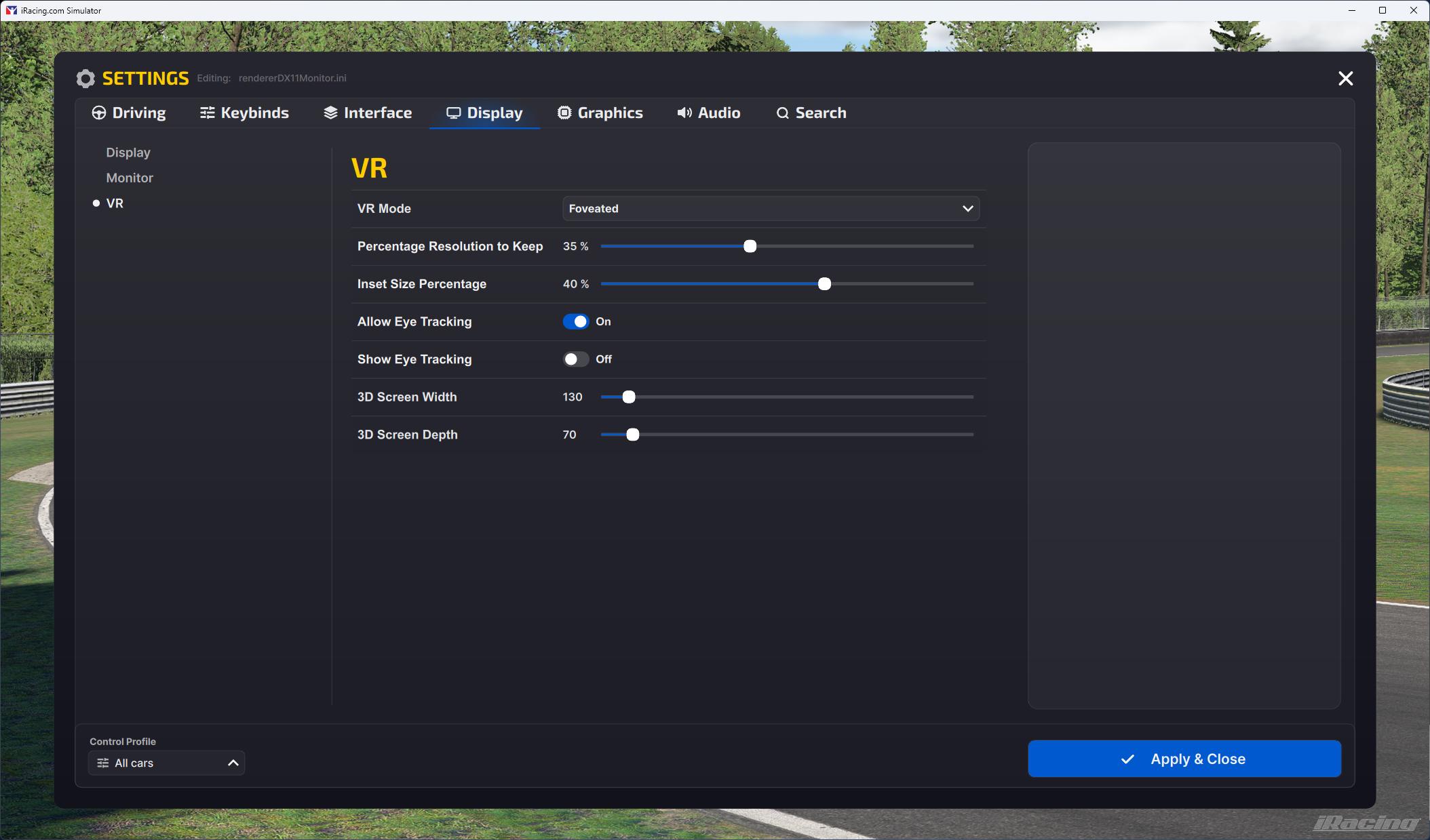
iRacing supports foveated rendering in all VR headsets. If you own a headset that supports eye-tracking, you can enable dynamic foveated rendering so you always get the highest quality where your eyes are looking.
POPULAR HEADSETS
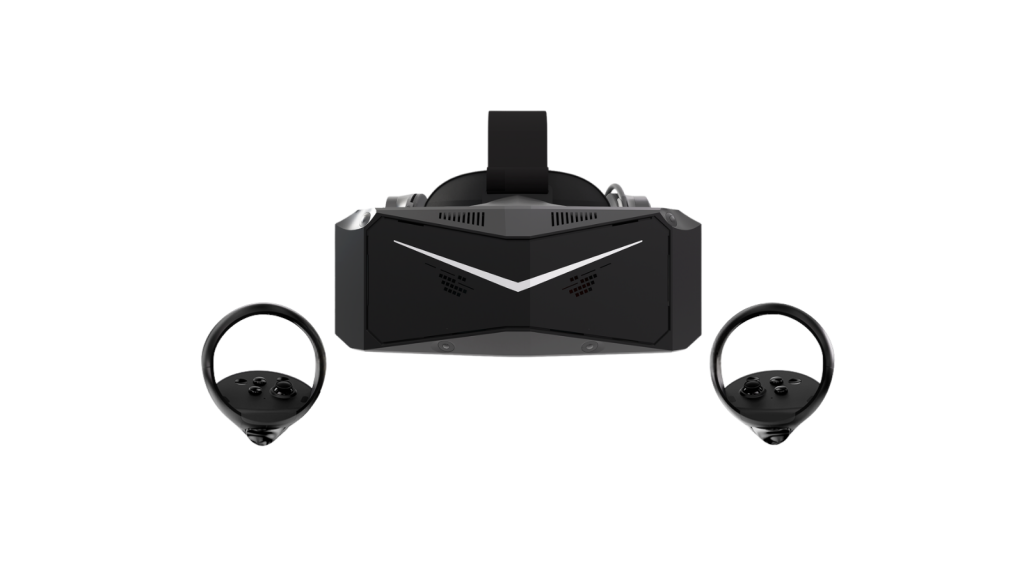
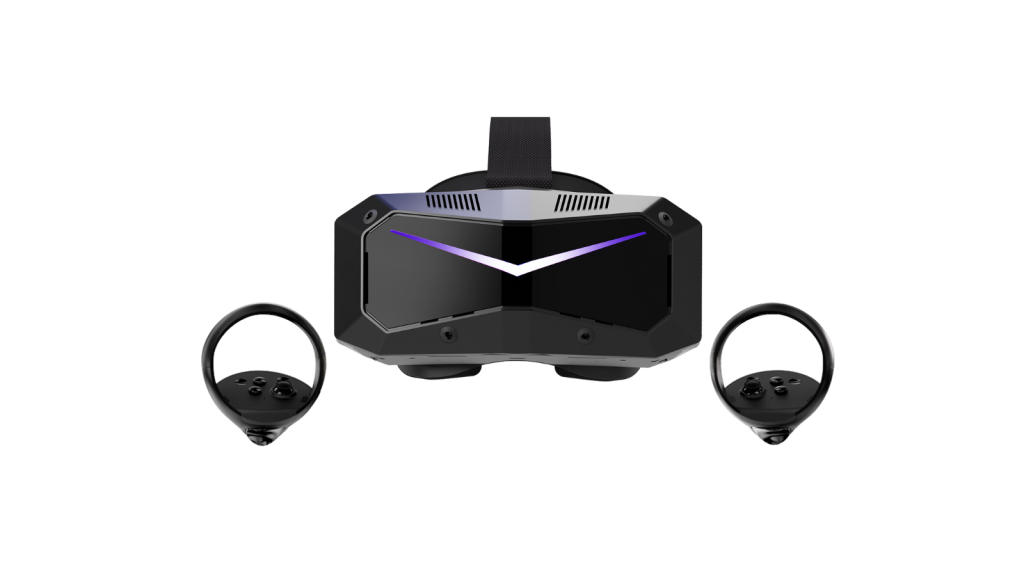
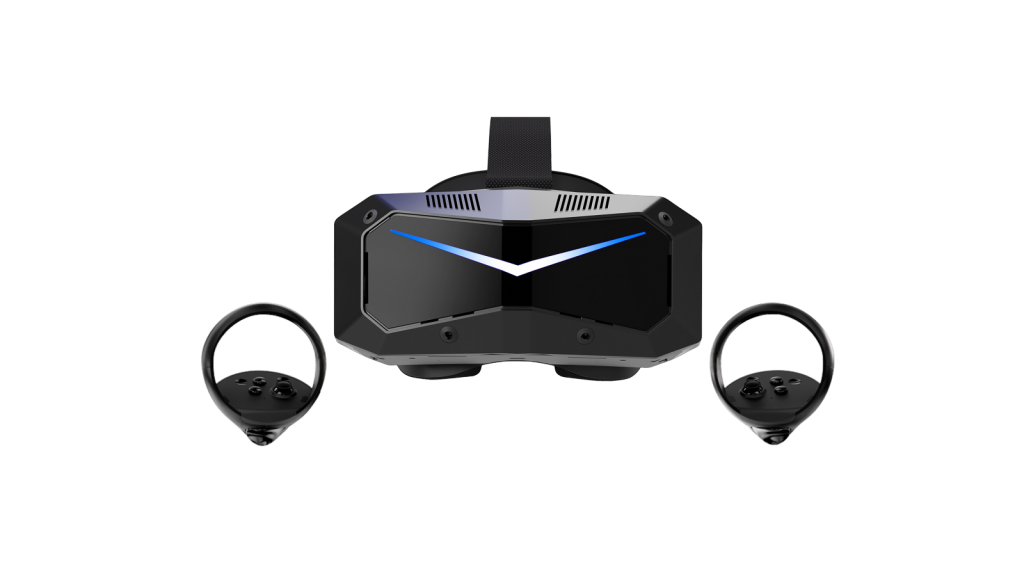
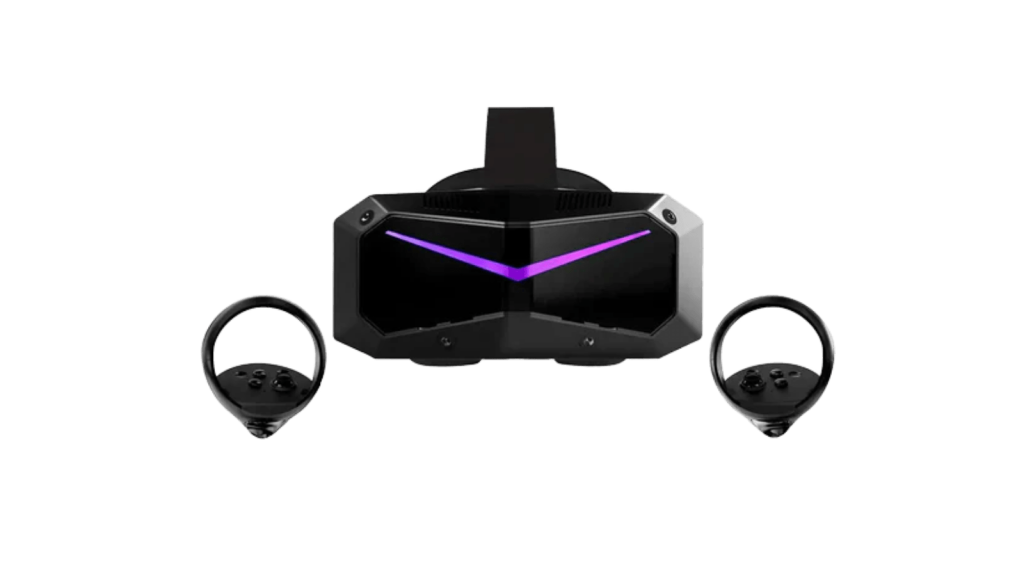
Pimax
Through our partnership with Pimax, iRacers can get a discount on Pimax headsets by using the links below.
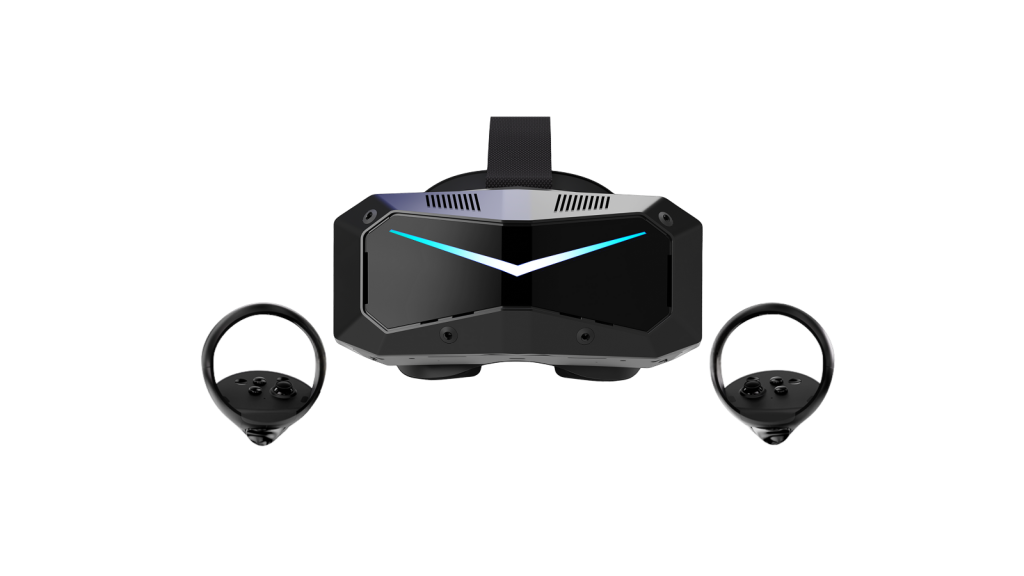
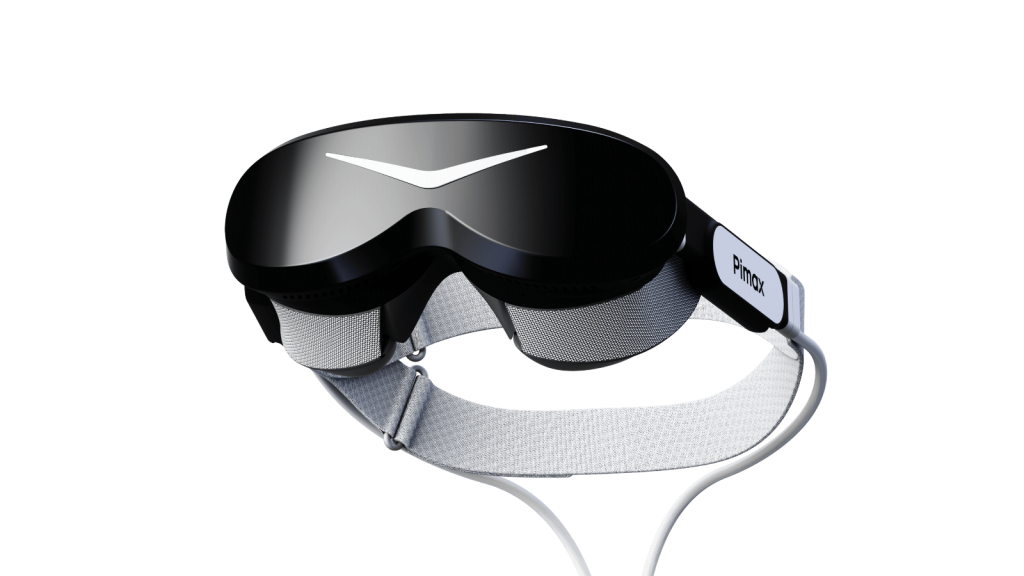
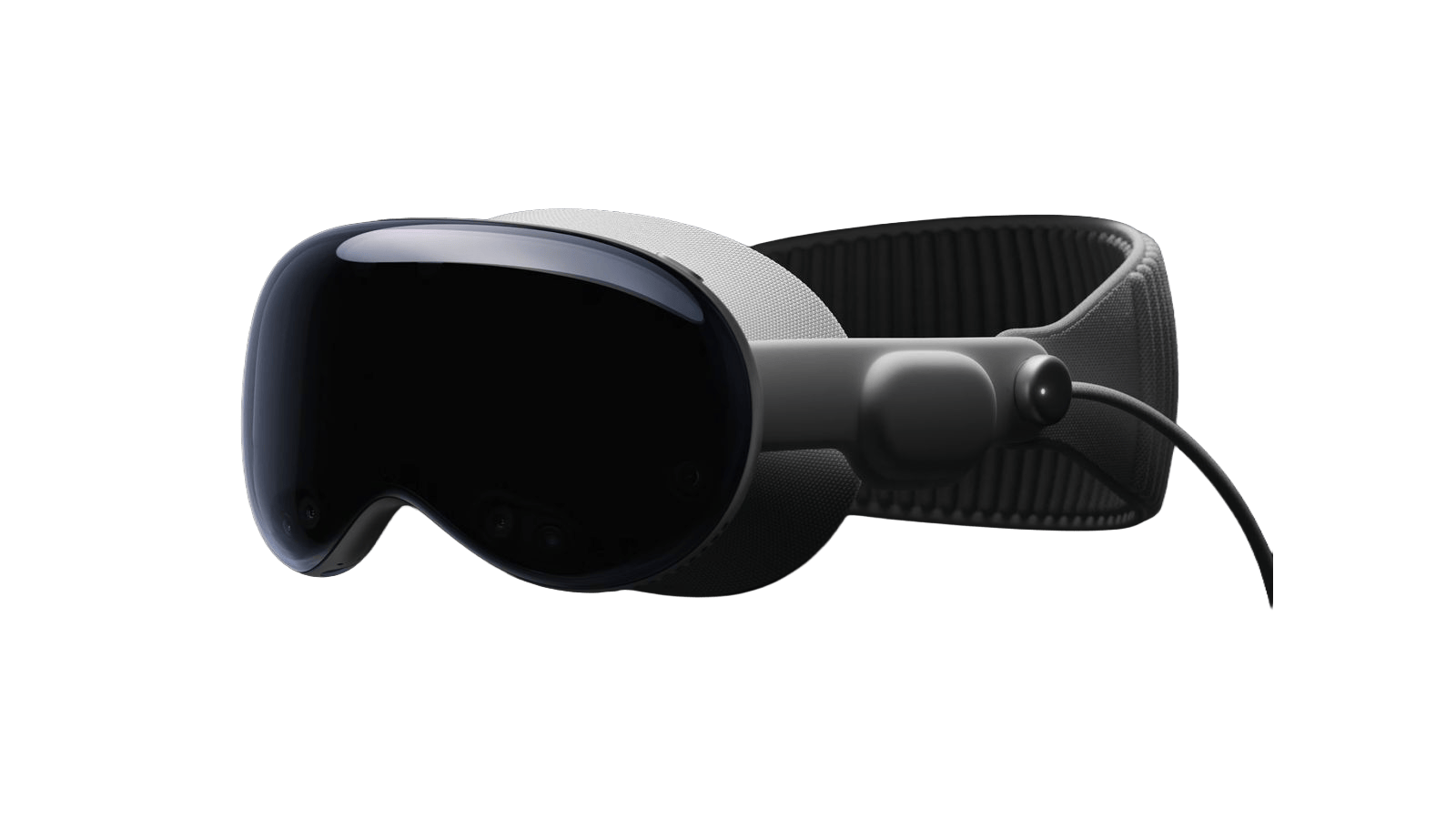
Apple
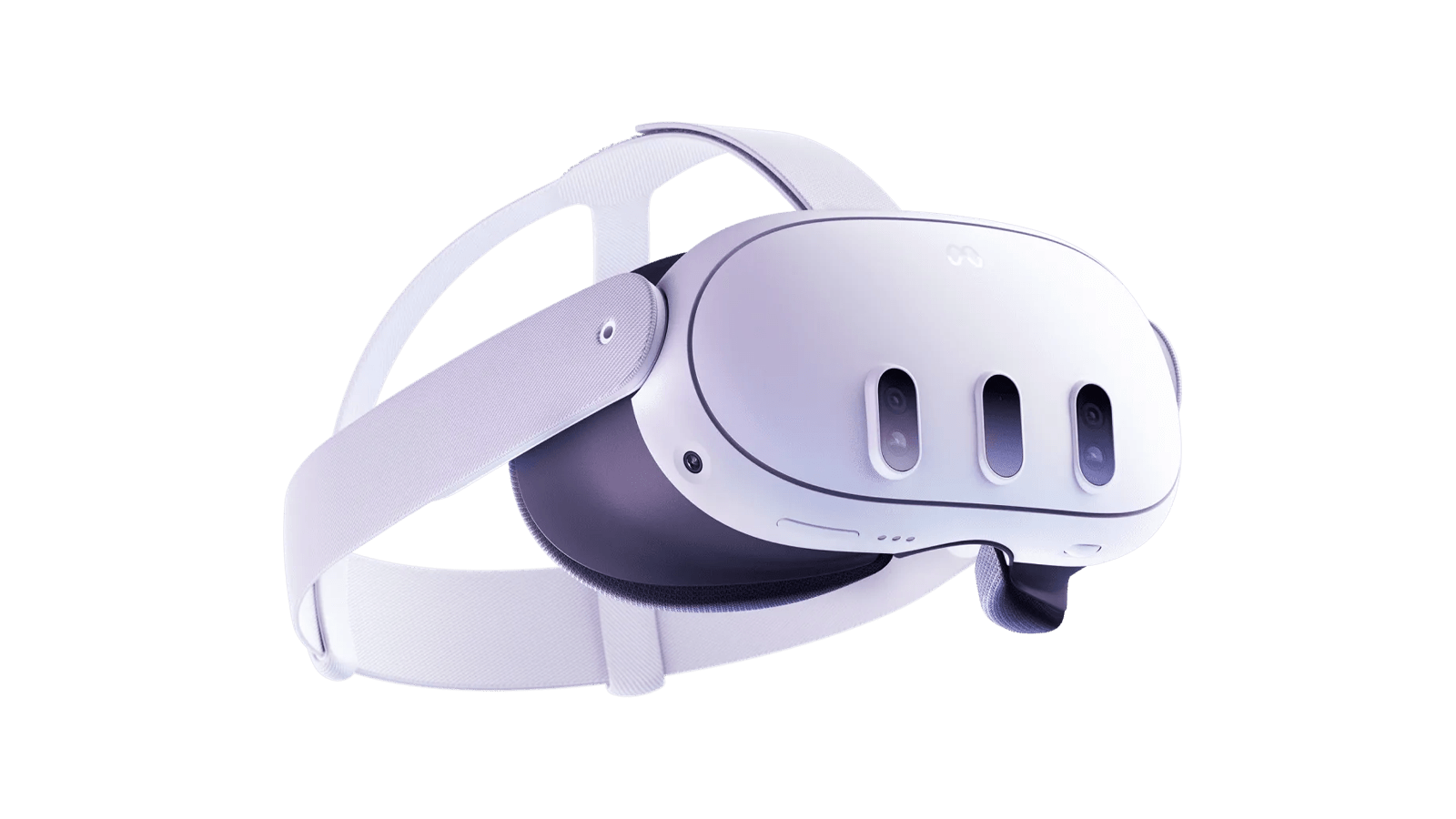
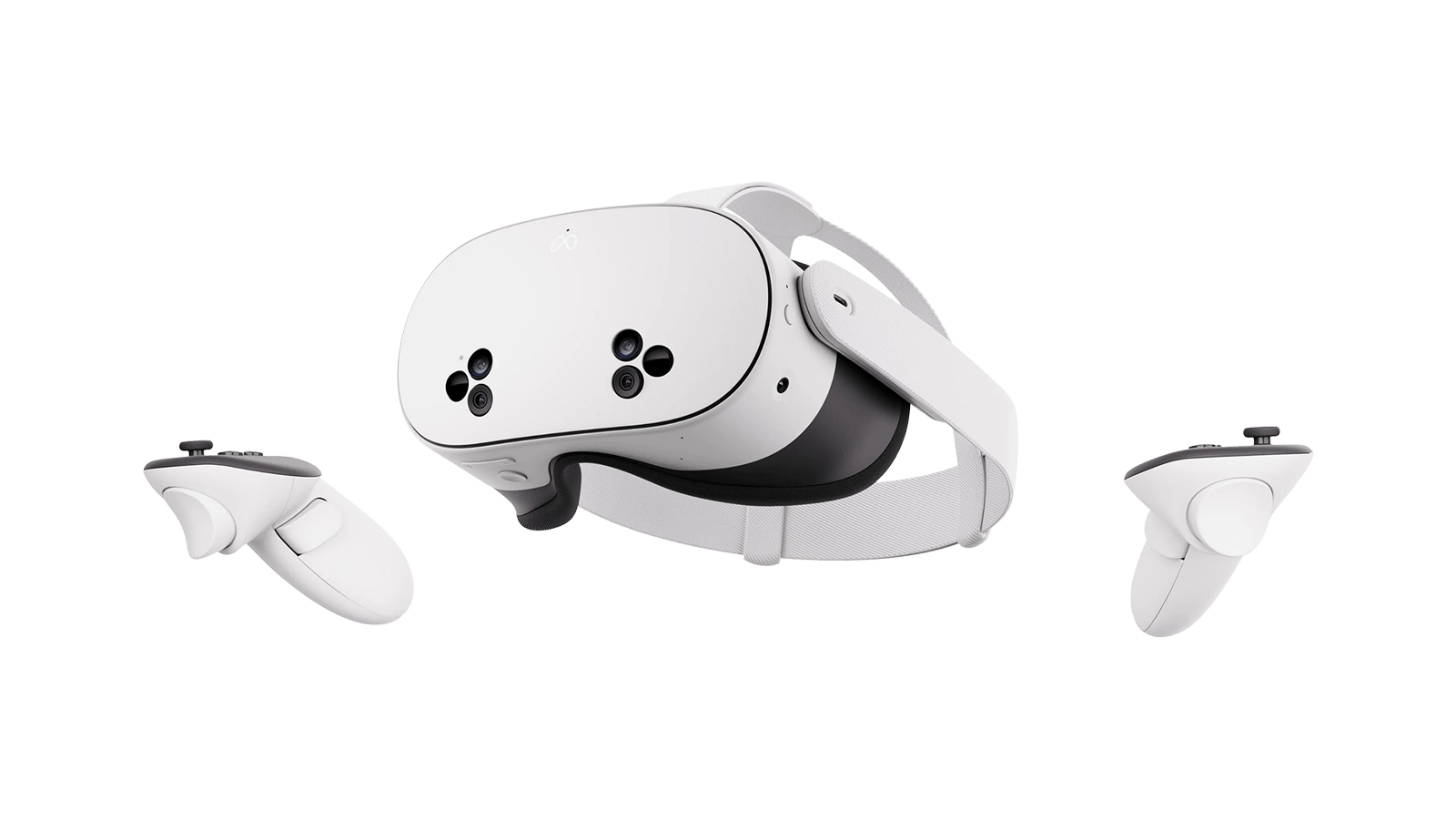
Meta
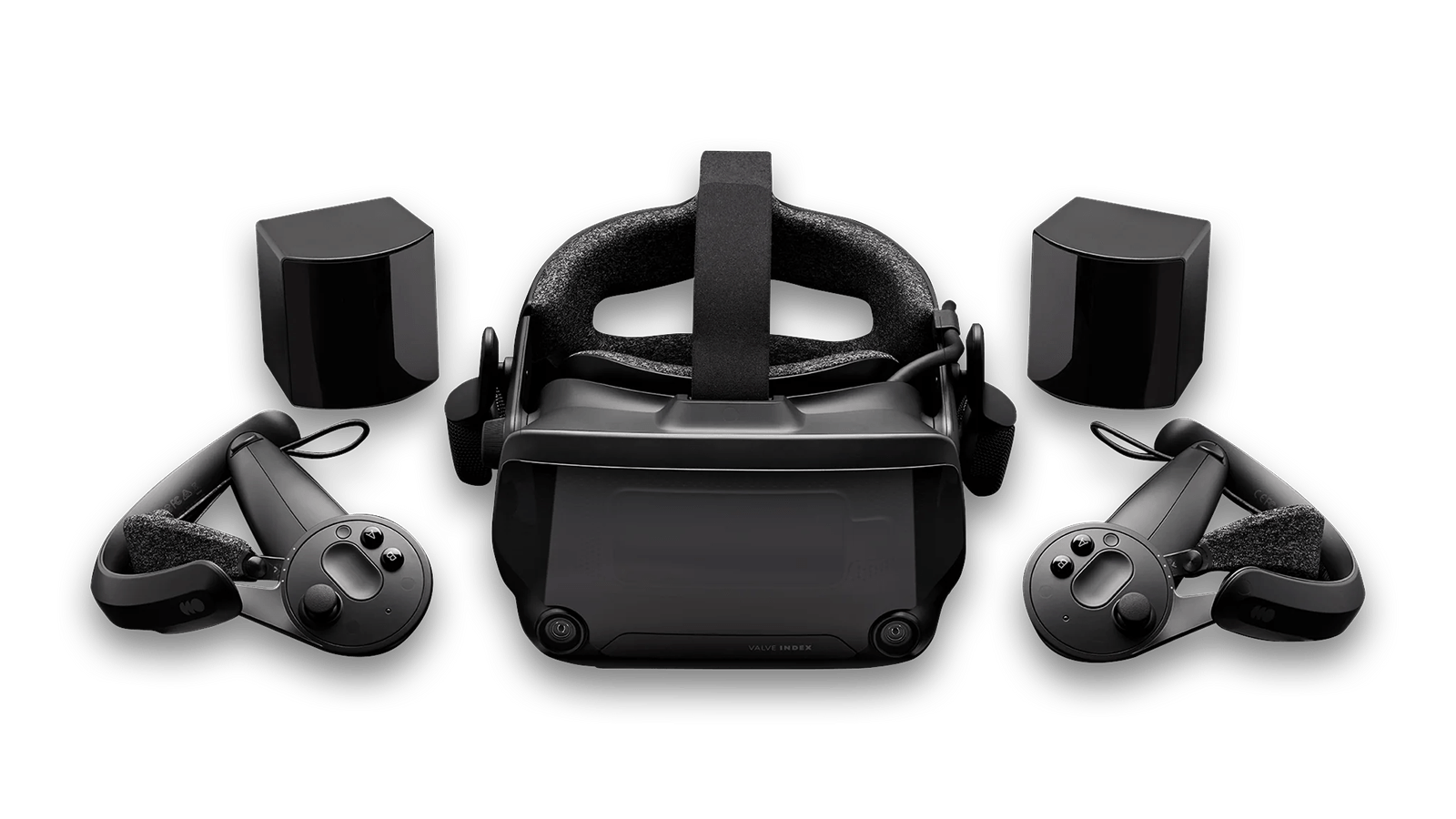
Valve
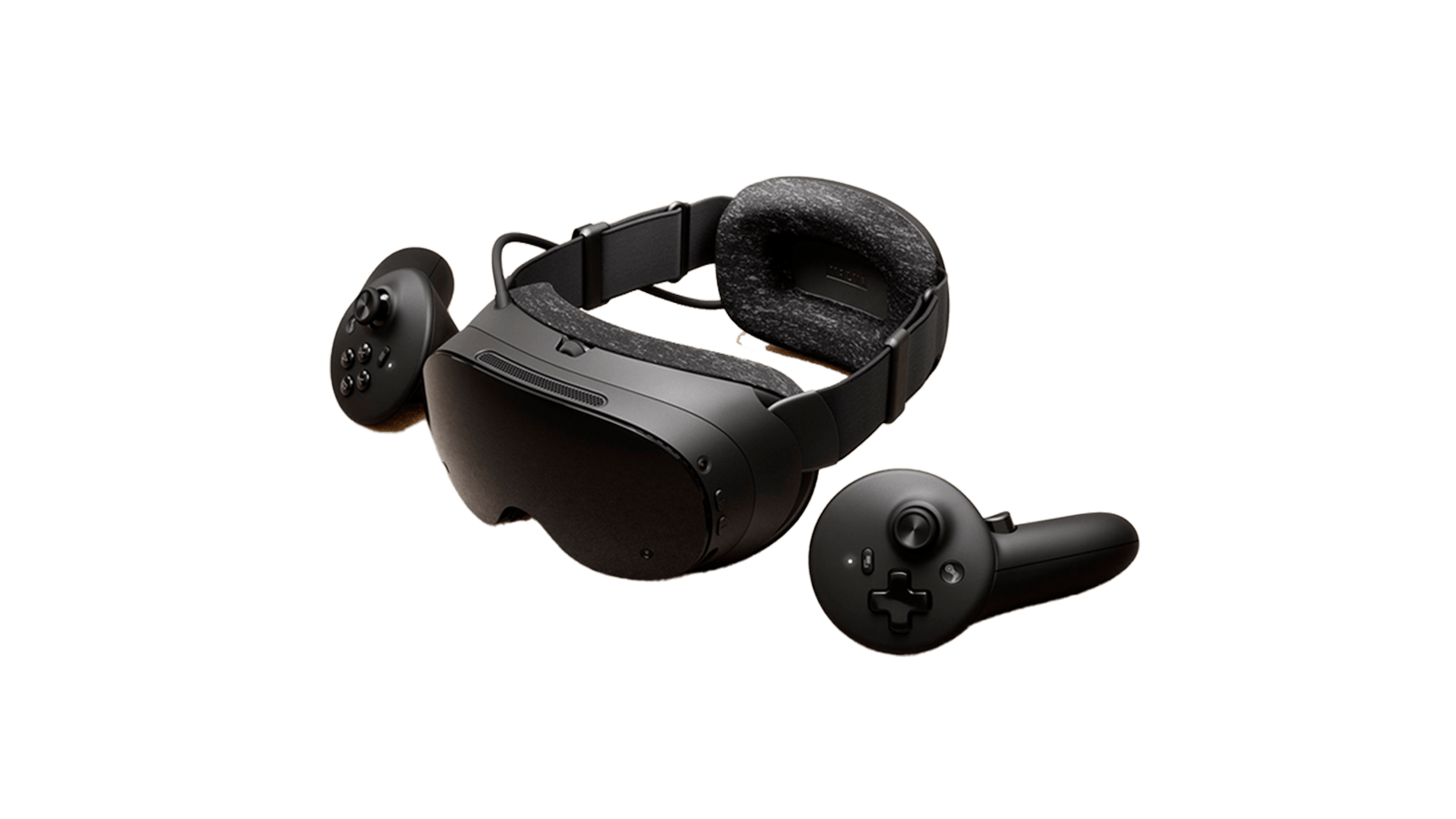
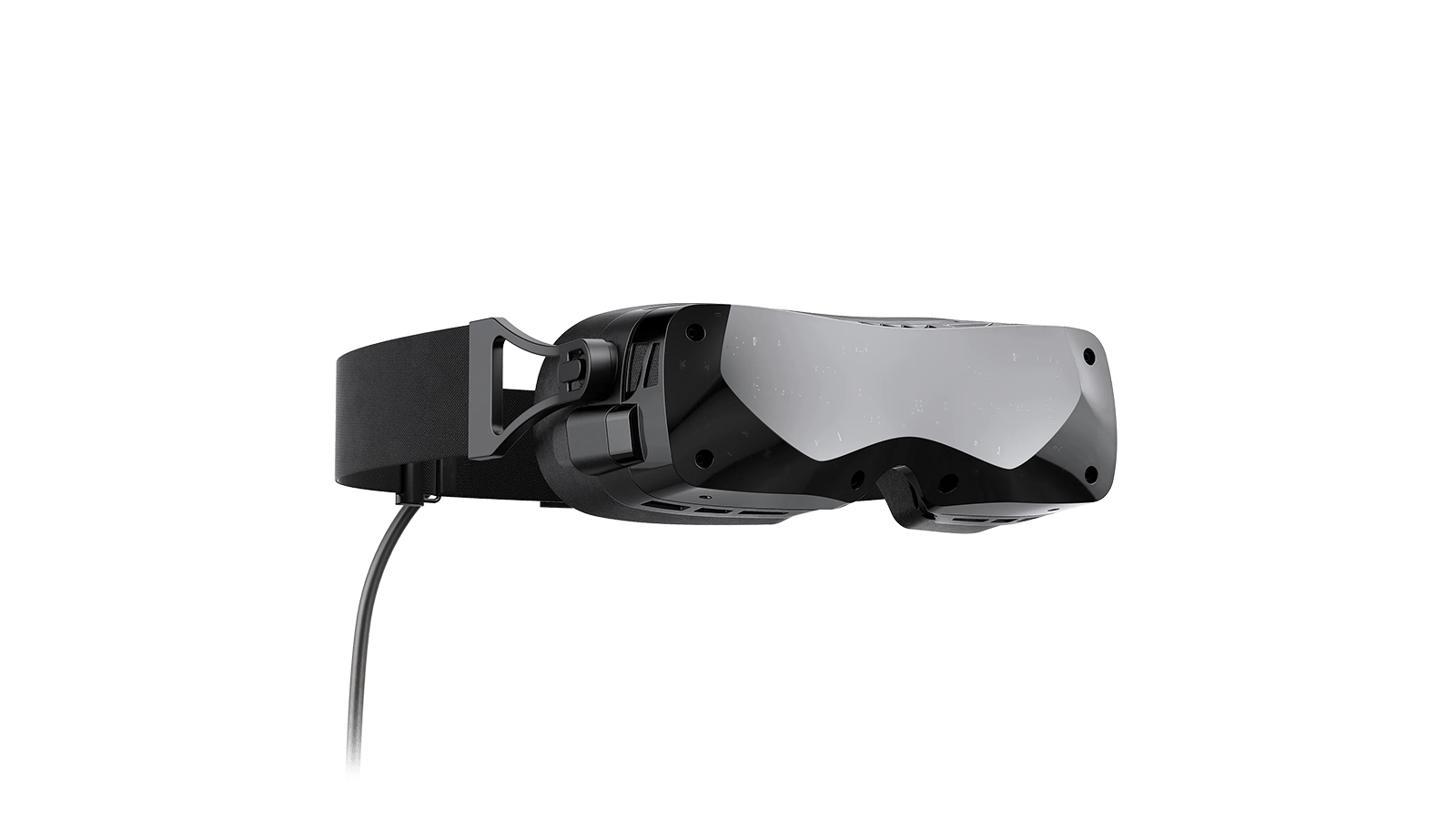
Bigscreen VR
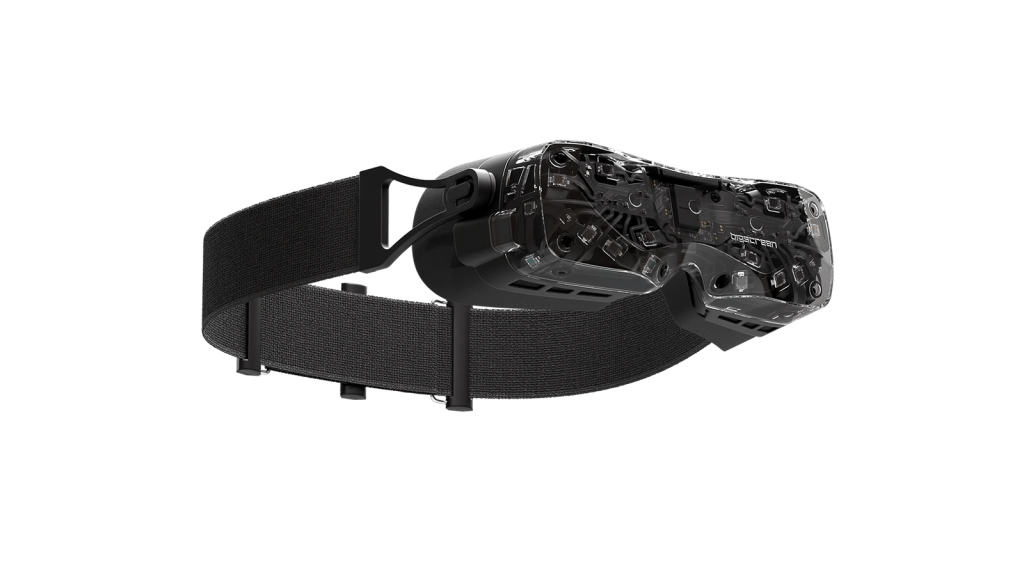
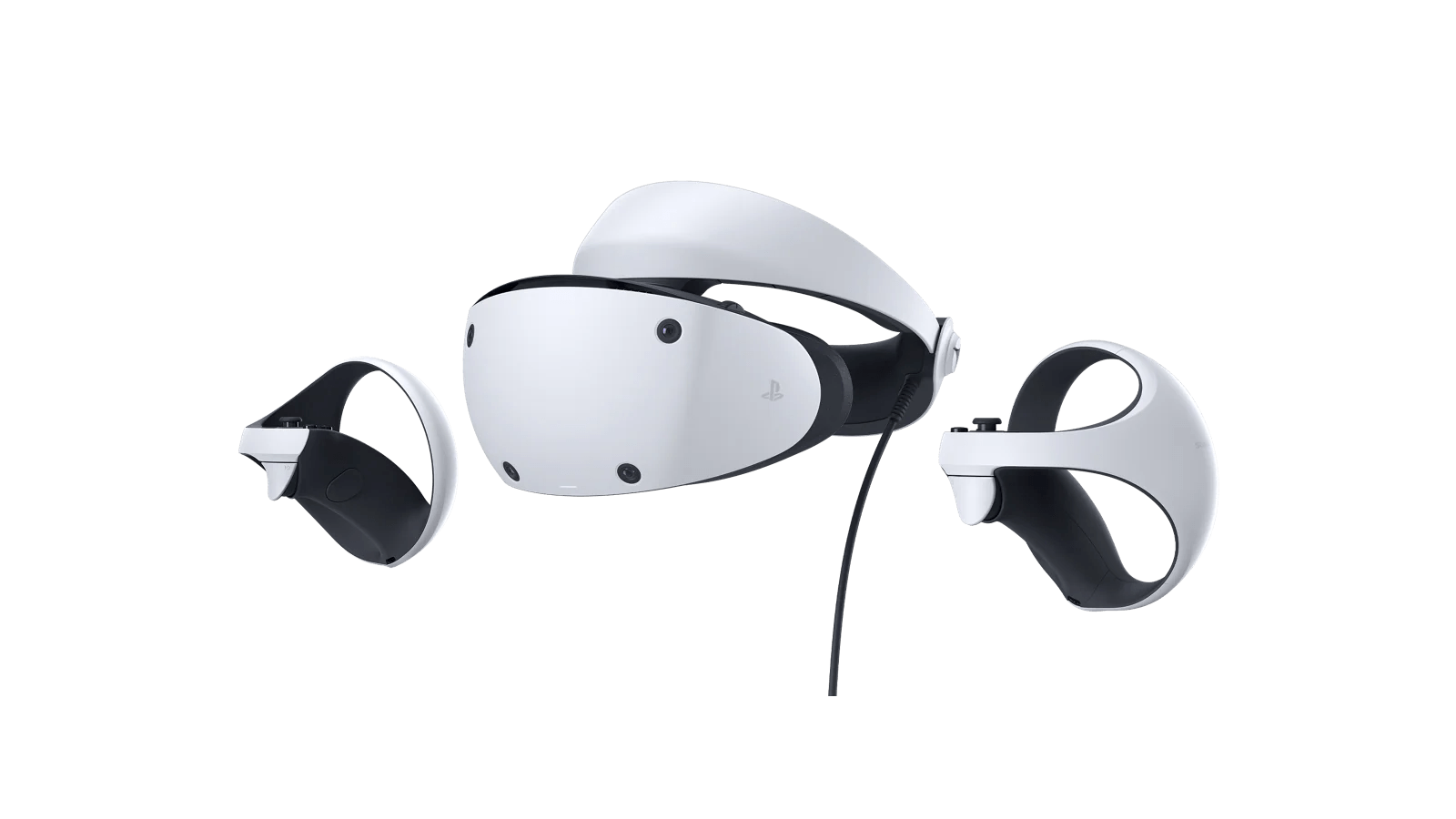
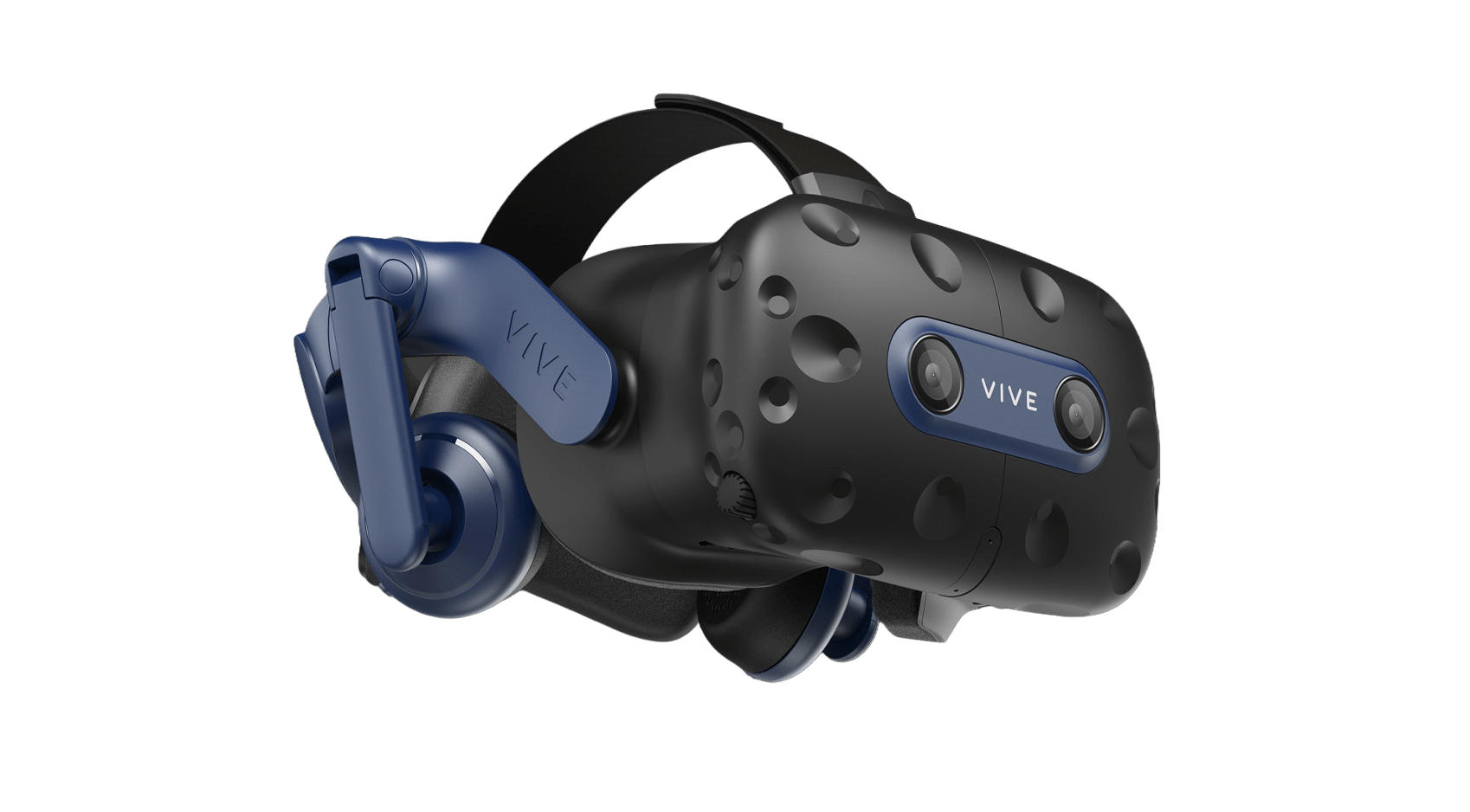
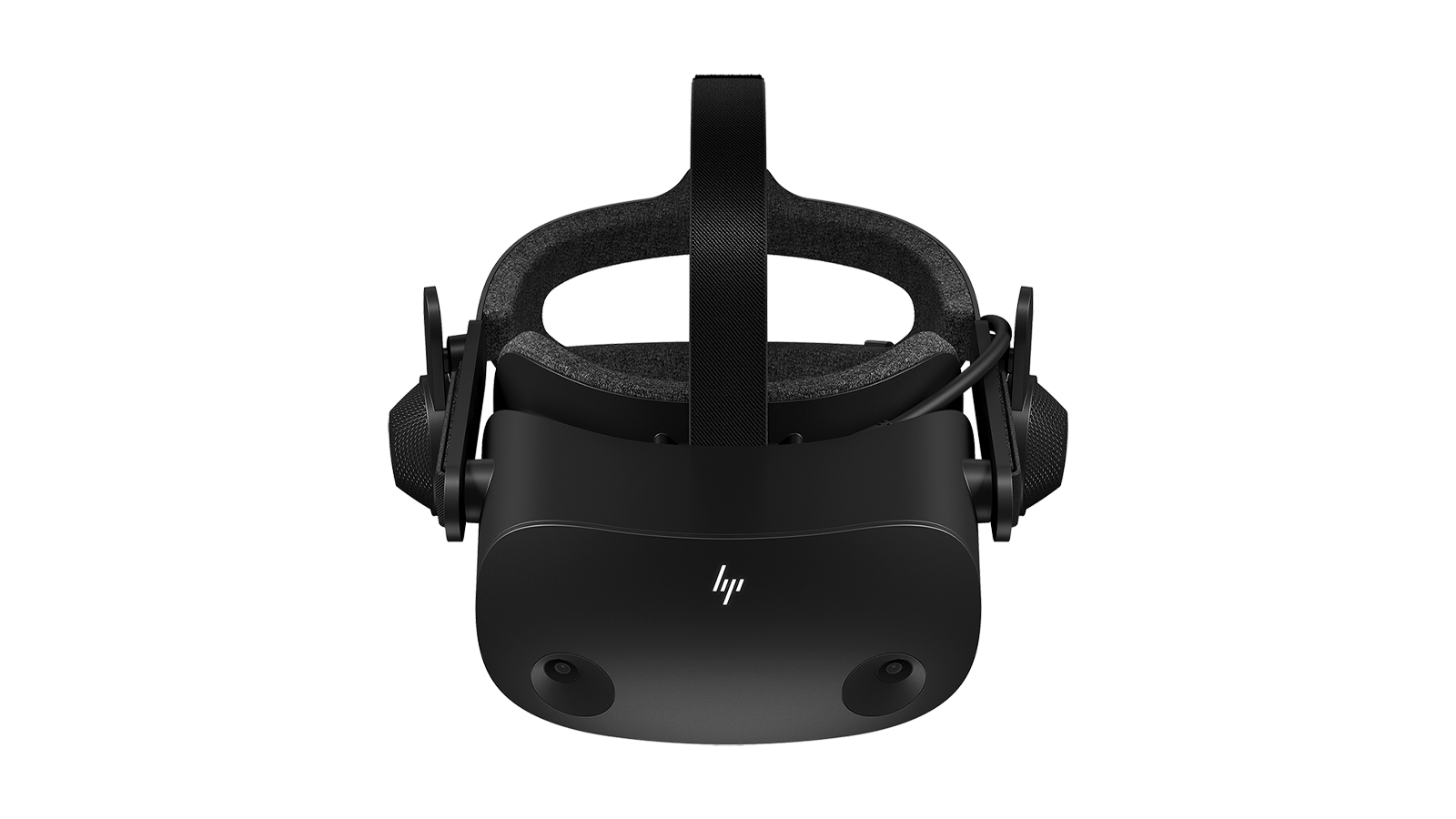
Other Headsets
HOW IT WORKS
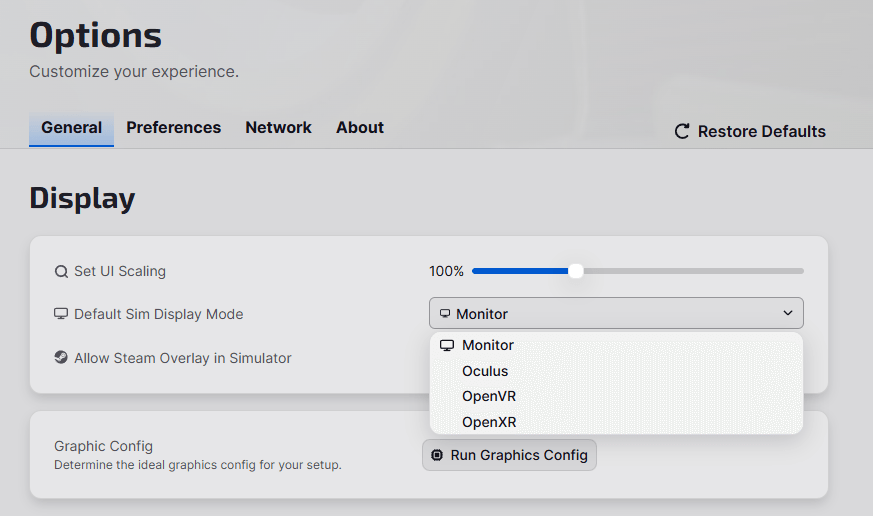
In the iRacing UI, you’ll have multiple VR modes to choose from before starting your session: Open XR, Open VR & Oculus.
UI DISPLAY MODES
Choose the VR Runtime that best supports your headset of choice. You can access this menu from either the Options page or from the Display Mode button in the header on the top right of the UI.
Each display mode saves its own custom graphics configuration, so you can use different graphics settings for VR and Monitor Only gameplay.
IN-SIM SETTINGS
From within the In-Sim UI, you can access the VR options by going to the Display Tab and clicking on VR in the left sidebar. From there, you have access to VR render modes, Foveated Rendering size and resolution, eye tracking, and more.
HELP & SUPPORT
Get Started with VR
Learn about what you need to play iRacing in VR.
Community Discussion
Visit the forums to see what conversations are happening.
Get Support
Get your most common questions answered on our official support page.

OFFICIAL PARTNERS: