

iRacing 101: Cosworth Pi Toolbox
September 18th, 2025 by Chris Leone
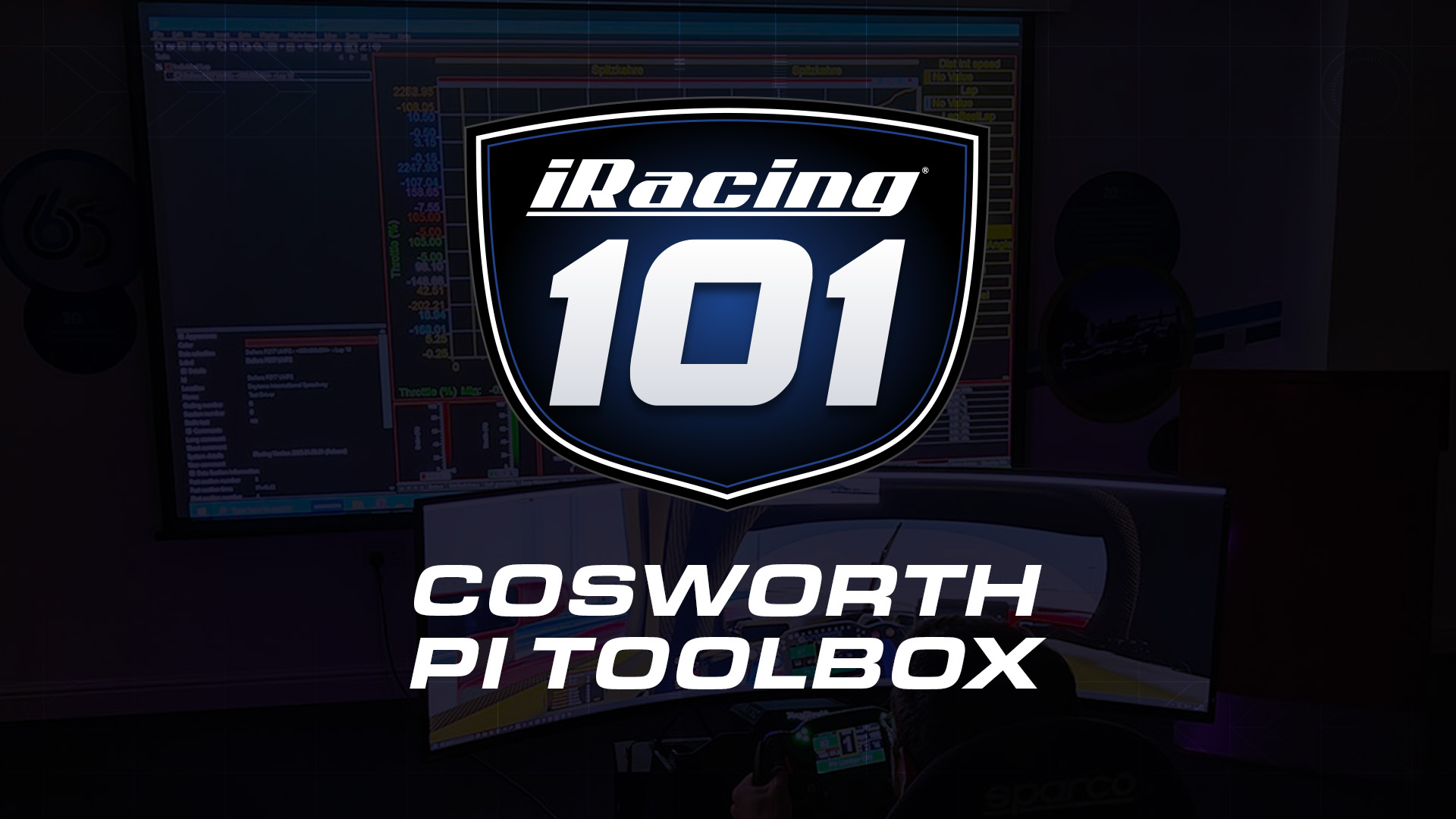
Welcome to iRacing 101, where each week we’ll go through some of the many features that make iRacing the World’s Premier Motorsport Simulation—from highlighting our features to some of the top series and forms of racing you’ll encounter when you get behind the wheel.
This week’s topic: What is Cosworth Pi Toolbox, and how do I use it with iRacing?
Pi Toolbox is Cosworth’s highly advanced data analysis software, trusted by global top-tier motorsport teams to extract performance insights from downloaded data and telemetry. As part of a new partnership between iRacing and Cosworth, Pi Toolbox has been made available free to iRacers looking to get the most out of their on-track data.
Pi Toolbox includes pre-built templates and advanced visualizations for your favorite forms of sim racing, each meant to help you get the most out of your lap. In the future, a paid “Plus License” will be offered that includes live remote telemetry as well, enabling instant data sharing between drivers, engineers, and coaches.
How do I download Cosworth Pi Toolbox?
Visit members.cosworth.com and either sign up or sign in to download Cosworth Pi Toolbox.
Are there any videos I can watch to learn how to use Cosworth Pi Toolbox?
Yes! Cosworth has prepared multiple how-to videos for you to learn Pi Toolbox:
I need more help. Is further support available?
Visit the Cosworth Pi Toolbox section of the iRacing Forums for additional support.
Interested in learning more about iRacing? Click here for the full iRacing 101 archives!

You may also like...





OFFICIAL PARTNERS: